Remove Text from Image in One Click
AI automatically detects and erases text, captions and date stamps from your images, then rebuilds the background. Works with English, Chinese, Japanese, Korean, Arabic, German, French, Spanish and 80+ languages. Free · No sign-up · Images not retained.
Click to choose an image, or drag & drop / paste (Ctrl+V) here
JPG / PNG / WebP, max long edge 2000px (auto-resized), up to 10MB
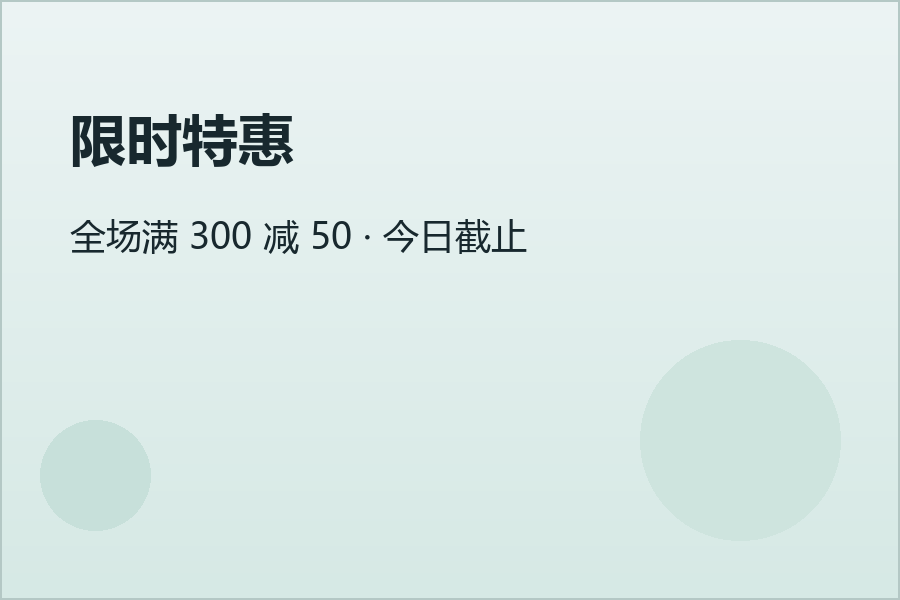
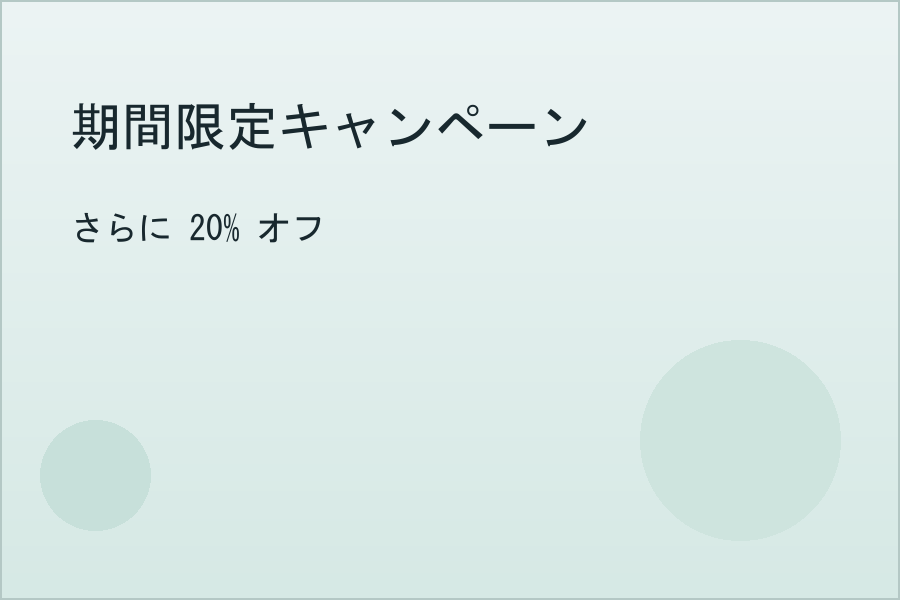
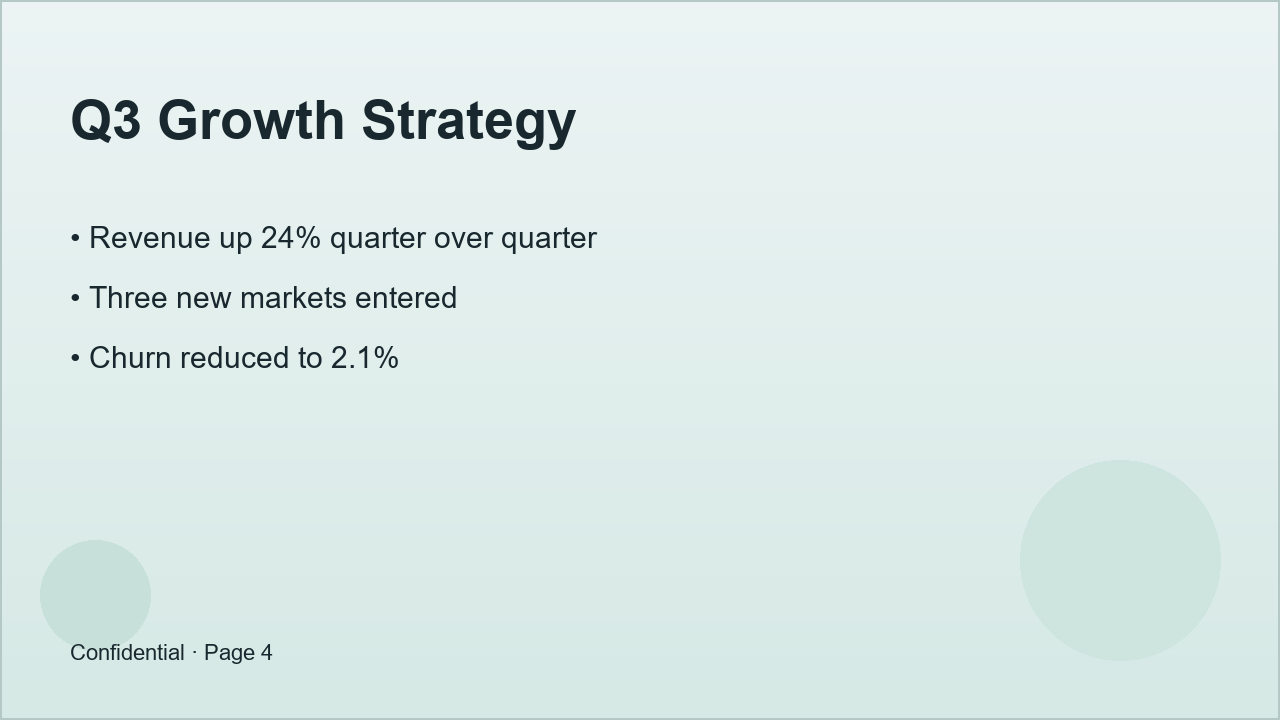
Real results, no retouching





Coming soon: image → editable PPTX
We are preparing slide-image to .pptx conversion where every text block becomes a real, editable text box. It is not available yet — paid plans and sign-in are still in preparation. Today, single-image text erasing is free and needs no sign-in.
How It Works
1. Detect text
The detection model locates every text region in the image, regardless of language — Chinese, Arabic, Japanese, anything.
2. Build the mask
Text regions become a precise, slightly expanded mask that covers letter edges for a clean erase with no leftovers.
3. Rebuild background
AI inpainting (MI-GAN / LaMa) fills the erased areas from the surrounding background for a natural, spotless result.
Features
Multilingual
Detection is language-independent: Chinese, English, Japanese, Korean, Arabic, German, French, Spanish and 80+ languages.
Privacy first
Images are used only to generate your result. Temporary working copies are cleared when processing completes normally; images are not retained as permanent records.
Free, no sign-up
Open and use instantly, no account needed, with a fair daily free allowance for everyone.
Manual fallback
For stylized lettering or low-contrast text the detector misses: paint over it with the brush and repair in one click.
Done in seconds
Fast mode returns in seconds; high-quality mode handles complex backgrounds.
Works everywhere
Phone, tablet and desktop browsers; paste screenshots directly.
FAQ
Which languages are supported?
Chinese (Simplified & Traditional), English, Japanese, Korean, Arabic, German, French, Spanish and 80+ more. Text detection is language-independent.
Are my images stored?
An upload may briefly use temporary server working space during processing. Working copies are removed when the request completes normally; after a server interruption, cleanup may wait until restart or system maintenance. We do not retain permanent copies, back up images, or use them for training.
The automatic result isn't perfect — what now?
Paint over the leftover text with the brush tool and hit "Fix Painted Area", or retry in high-quality mode.
Which image formats and sizes are supported?
JPG / PNG / WebP, up to 10MB, with a maximum long edge of 2000px (larger images are resized automatically).
Is there a usage limit?
Each user gets a number of free erasures per day; if you hit the limit, come back tomorrow.